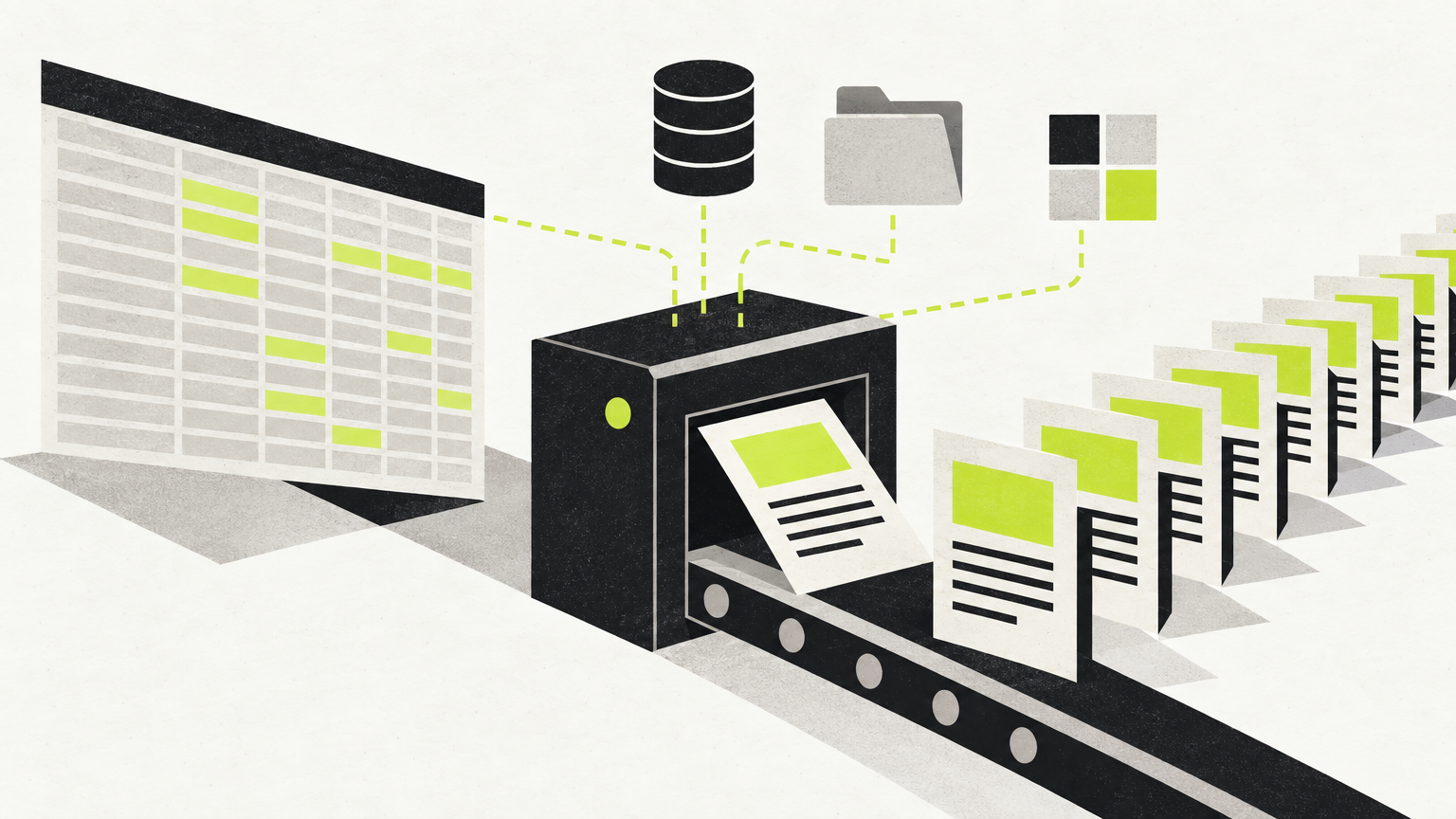
If you are trying to work out which programmatic SEO tool to use, this page compares only the tools whose behaviour is documented on their own product pages and changelogs, explains where a plain spreadsheet is enough, and gives you a pilot test you can run before you commit.
There are not eight tools here. Padding the list would mean inventing feature sets, and the whole point of templated pages at scale is that small errors multiply.
Start with the rule that decides whether this works at all
Before tooling, read Google's position. Its spam policies define scaled content abuse as "when many pages are generated for the primary purpose of manipulating search rankings and not helping users," and list "using generative AI tools or other similar tools to generate many pages without adding value for users" and "stitching or combining content from different web pages without adding value" as examples (Google Search Central). Google also warns about doorway abuse — "creating substantially similar pages" that funnel users onward.
When Google introduced the scaled content abuse policy, it stated the rule applies "whether content is produced through automation, human efforts, or some combination," and that sites violating the policies "may rank lower in results or not appear in results at all" (Search Central Blog, March 2024).
The practical consequence: a programmatic SEO tool is only as good as the dataset you feed it. If each row carries something genuinely different — real inventory, real prices, real availability, real measurements — templated pages have a reason to exist. If each row only changes a city name in otherwise identical prose, no tool on this page will save the project.
The two jobs these tools actually do
The two tools reviewed below have different core jobs, though their documented feature sets overlap in places.
| Core job | Documented strengths | Watch-outs | |
|---|---|---|---|
| Whalesync | Two-way sync between a data source and your CMS | Deep field mapping, error surfacing, record-based pricing | You still write the page template and the copy; claims are first-party, so verify on your own site |
| SEOmatic | Generating and publishing the pages themselves | Bulk runs, template validation, approval and rollback | Claims are first-party, so verify on your own site |
| Spreadsheet + CMS import | Small, one-off page sets | Free, no new dependency | Manual re-imports, no change tracking |
Whalesync — the data pipe
Whalesync lists Programmatic SEO as one of its solution use cases (whalesync.com) and says it runs that pattern on itself: "we sync Airtable/Webflow for programmatic SEO pages" (Whalesync's Software Stack 2024). Setup is less fiddly than it used to be — the tool can "automatically create tables in Airtable," for example connecting a Webflow Blog Posts collection and creating a matching table with all the same fields (changelog).
Two details from Whalesync's own pages matter for large page sets. As with the SEOmatic claims below, these are first-party statements rather than independent testing:
- Pricing is per record in sync, not per update. "When a record syncs for the first time it becomes a record in sync... we do not 'double-count' records across the two different apps," and "Whalesync allows unlimited updates" (Whalesync FAQ). For 2,000 landing pages you re-edit constantly, that billing model behaves very differently from per-task automation tools.
- Errors are shown, not hidden. When data can't sync, the Issues page "provides the exact error from your destination app" (same FAQ). A refused Webflow publish "now shows Webflow's own reason — 'a full site publish is required,' for example" (changelog).
The same changelog is honest about the fragility of any sync layer: Google Sheets setup "stops before it writes anything if a selected tab has a merged cell in the header row"; turning a sync on mid-initial-sync is refused rather than killing the run; and when Supabase "started rejecting our token refresh on September 12," affected syncs kept running on stored credentials while users were emailed to reconnect. Expect to own these failure modes.
One gap to plan around: Whalesync says it "doesn't have a 'publish my entire site button'" for Webflow, and publishes a free Airtable script that calls Webflow's publish endpoint instead (tutorial).
SEOmatic — the page generator
SEOmatic positions itself around bulk page creation and agent-run SEO work. Per its own feature page, a bulk run checks "every blank against your columns" before credits are spent, so a misspelt variable "stops the run and shows you the field, with a did-you-mean suggestion"; rows with gaps still render with the value left blank rather than raw code; and "anything already published is skipped, so a re-run never overwrites live work" (Bulk Create). It also advertises Drip Publishing to "release pages in batches," which maps neatly onto the pilot below.
SEOmatic's homepage adds that nothing ships without approval by default and that changes can be undone in one click (seomatic.ai). Treat all of this as vendor description, not independent testing.
Published plans: a Free tier at $0 (1 site, 1 seat, limited copilot questions), Launch at $99/mo (1 site, 3 seats, automated CMS publishing, approval workflow, one-click rollback), Scale at $249/mo (up to 5 sites, adds Page Templates and custom hosting), and Infrastructure at $699/mo (up to 20 sites, white-label, REST API and webhooks), with a 14-day trial advertised at $1 and credits that "pause and ask" rather than billing overages (pricing).
When ordinary software is enough
If you are shipping fewer than roughly 50 pages, or shipping them once, the cheapest correct answer is a spreadsheet plus your CMS's own CSV import. You get no change tracking and you re-import by hand, but you add no subscription and no API dependency. Buy a sync or generation tool when the dataset changes regularly, when several people edit it, or when re-publishing by hand has become the bottleneck.
A pilot test before you commit
Run this on your own site with whichever tool you shortlist. It is designed to surface the two failures that actually kill programmatic projects: thin pages, and a broken publishing path.
- Pick the 25 highest-value rows of your dataset — not the 25 easiest. If the top 25 are thin, the other 2,000 are worse.
- Write the unique-value test per row. List what a visitor gets on that page that they cannot get from a competitor's page or a generic category page. If you can't name it, cut the row.
- Publish 25 pages only, then stop. Use batched/drip publishing if your tool offers it. Keep a comparable set of pages untouched so you have something to compare against later.
- Break the pipeline on purpose. Misspell a template variable, blank a required field, and interrupt a run mid-way. Confirm what the tool reports and what it leaves behind.
- Check indexing and crawl behaviour in Search Console after a few weeks: are the pages indexed, or indexed-but-ignored? Read them against Google's doorway and scaled-content examples and prune anything you can't defend.
- Only then scale — and re-run step 2 on the next batch, because dataset quality usually degrades as you get further down the list.
Hypothetical worked example (illustrative, not a case study): a plumbing franchise has 180 service-area rows. Rows 1–25 carry real per-branch data — technicians on call overnight, response-time windows, named suburbs served. Rows 120–180 carry only a town name. Under the test above, the first batch ships; the tail gets consolidated into a handful of regional pages instead. Your own numbers will differ.
If your need is articles, not templated pages
Disclosure: we publish PilotScribe, so treat this as our commercial perspective. If what you want is a blog library rather than database-driven landing pages, PilotScribe reads your site to target buyer-intent searches and ships optimised articles to your blog automatically, "each with a review window," publishing into WordPress, Shopify, Webflow, Ghost or HubSpot, or via a headless API for Next.js, Astro, Nuxt and SvelteKit; plans are listed at $39, $99 and $299 per month (pilotscribe.com), and an MCP server lets an agent such as Claude or Cursor run setup and publishing from a prompt. If you need thousands of templated pages built from one dataset, the two tools above are the closer fit.
The short version
There is no credible eight-item ranking here. There is a data layer (Whalesync), a generation layer (SEOmatic, on its own published claims), and a spreadsheet that is often enough. Pick based on where your bottleneck actually is, keep the vendor's error reporting visible, and let Google's scaled-content and doorway policies decide how many pages your dataset genuinely justifies.